Build trading bot
Build a Trading Bot With a No-Code Strategy Workflow
Design entries, exits, filters, and risk rules in a visual blueprint. Test behavior before exposure, then move to paper trading and controlled execution.
How it works
Step 1
Define market conditions and setup filters (session, volatility, liquidity, structure).
Step 2
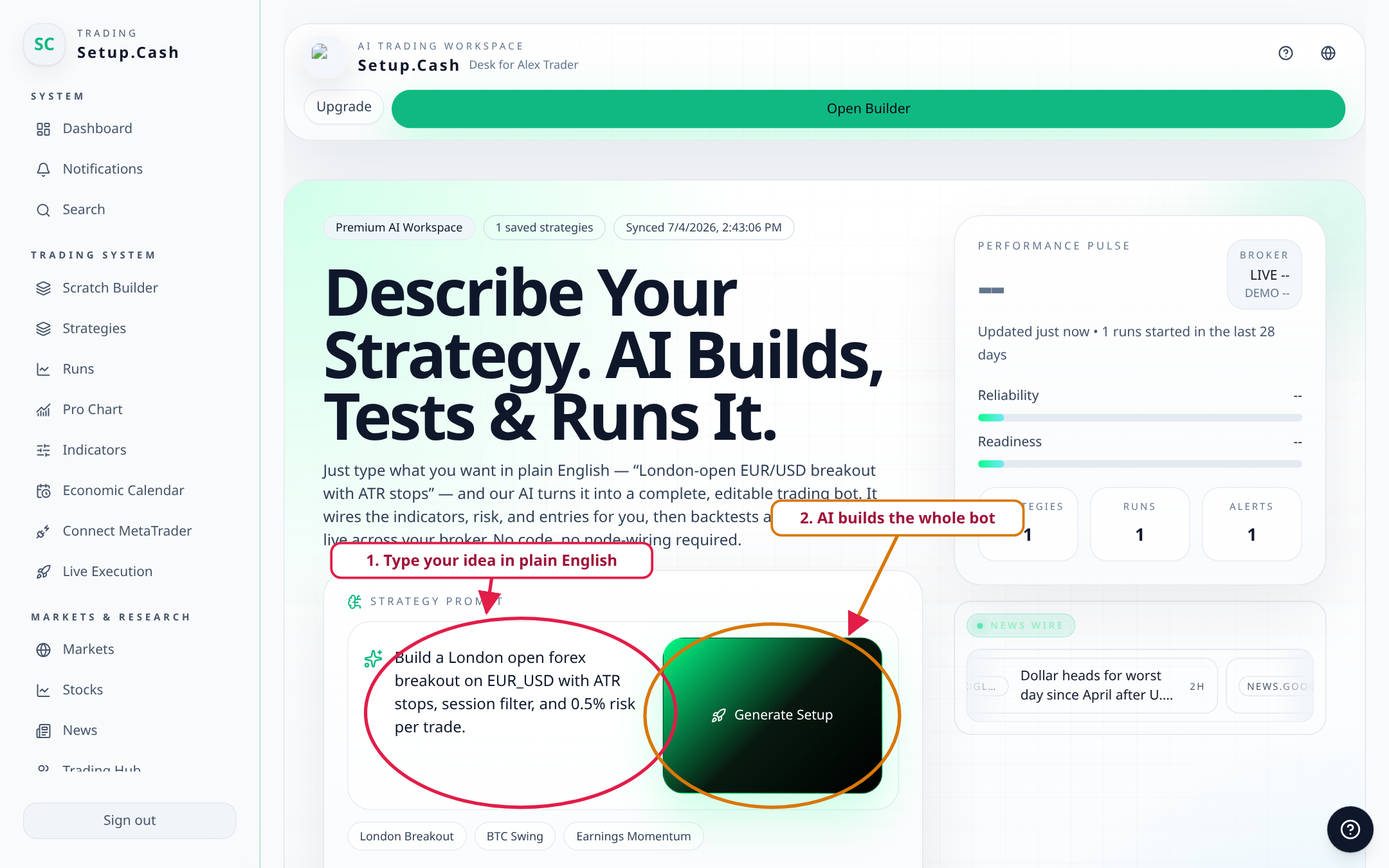
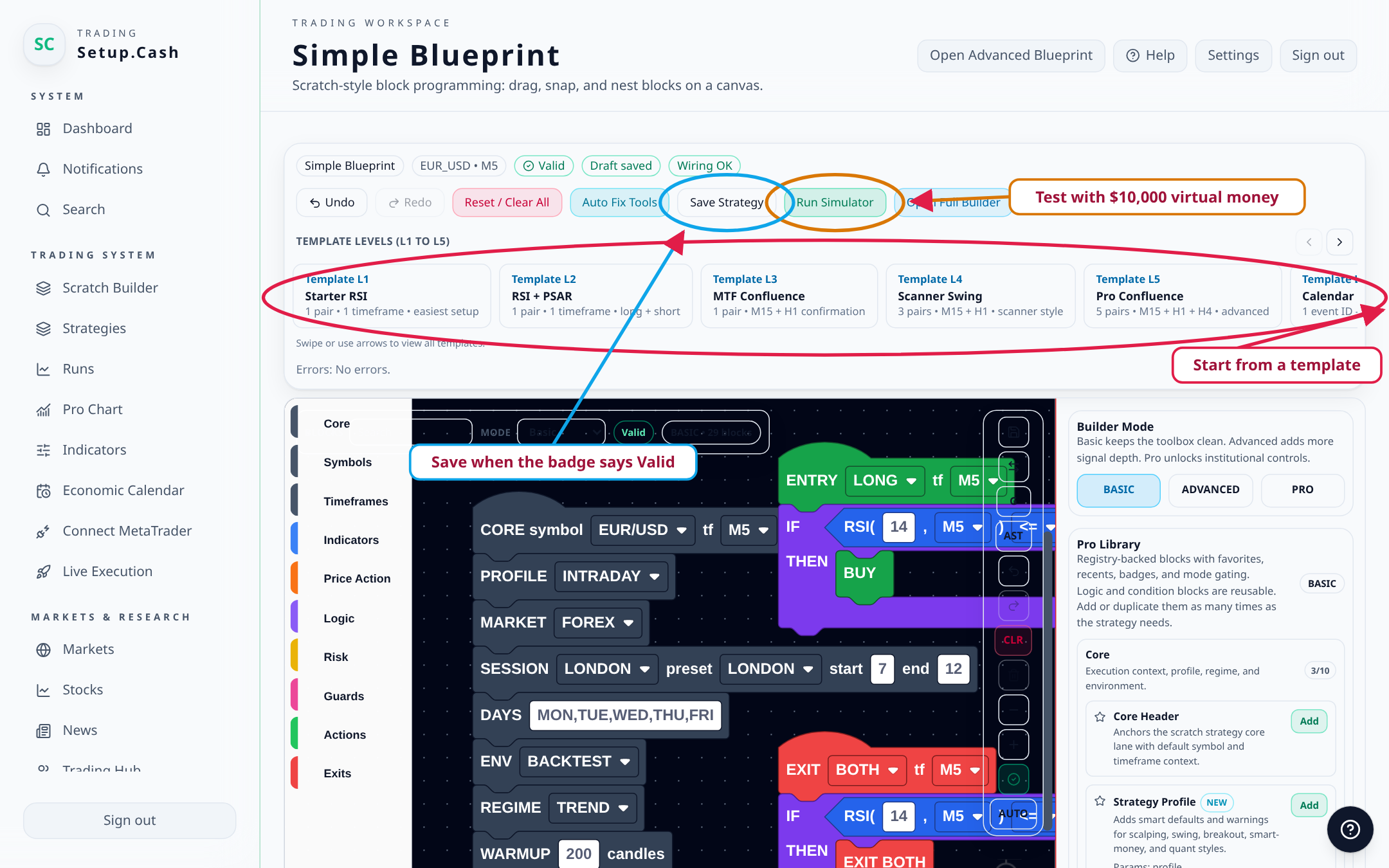
Create entry and exit logic in a visual builder without writing strategy code.
Step 3
Run backtests and review metrics to validate assumptions and find weak rules.
Step 4
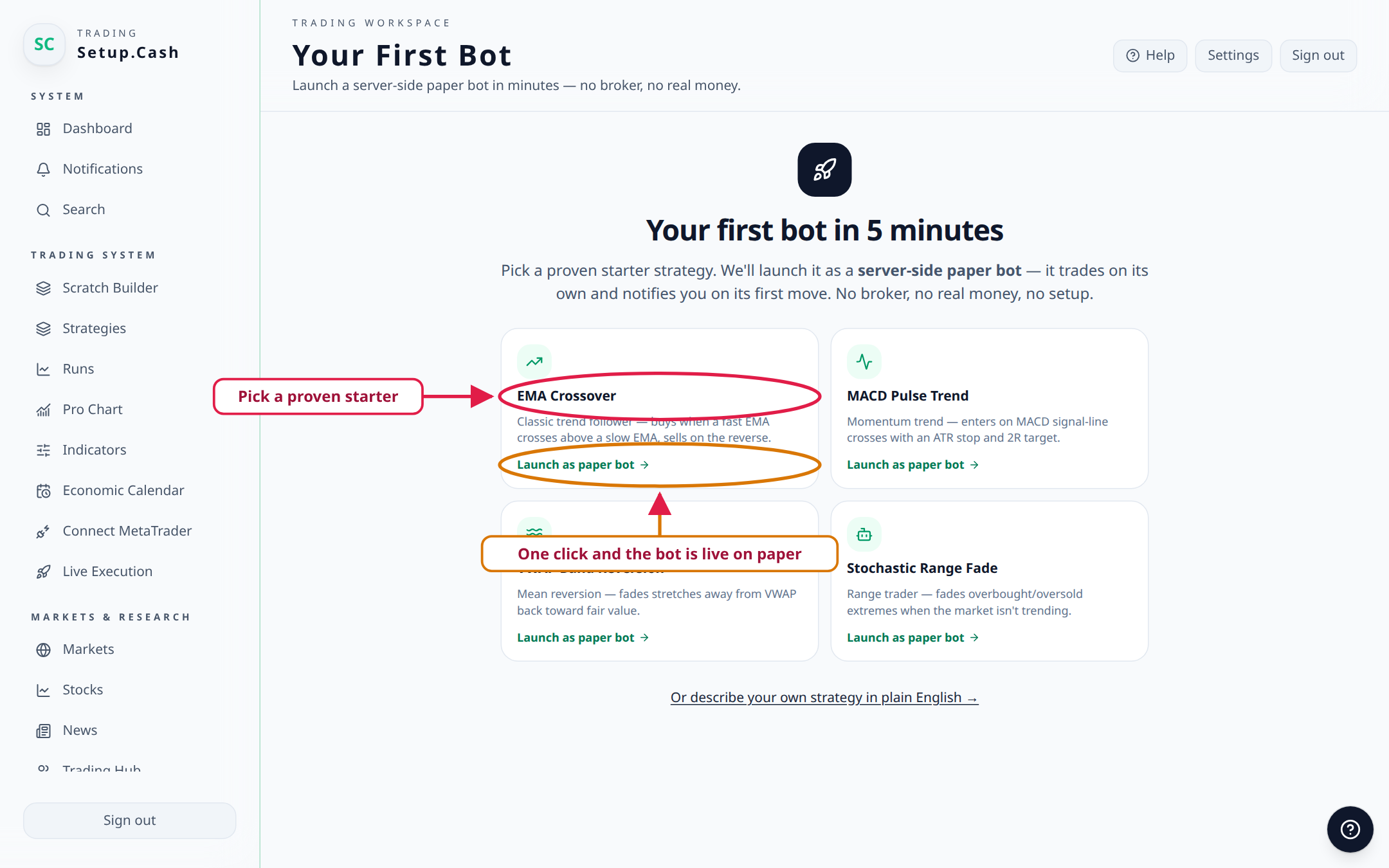
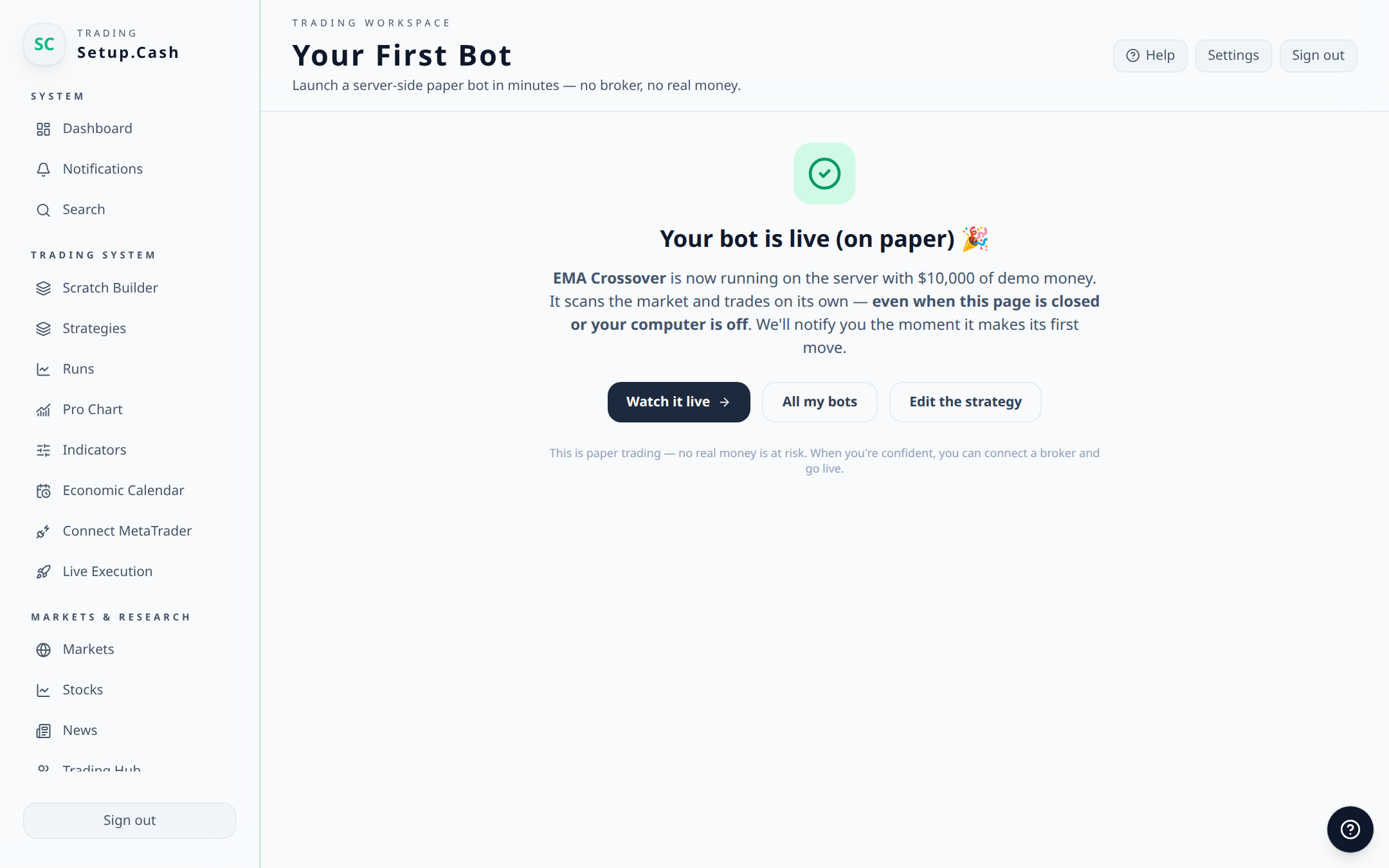
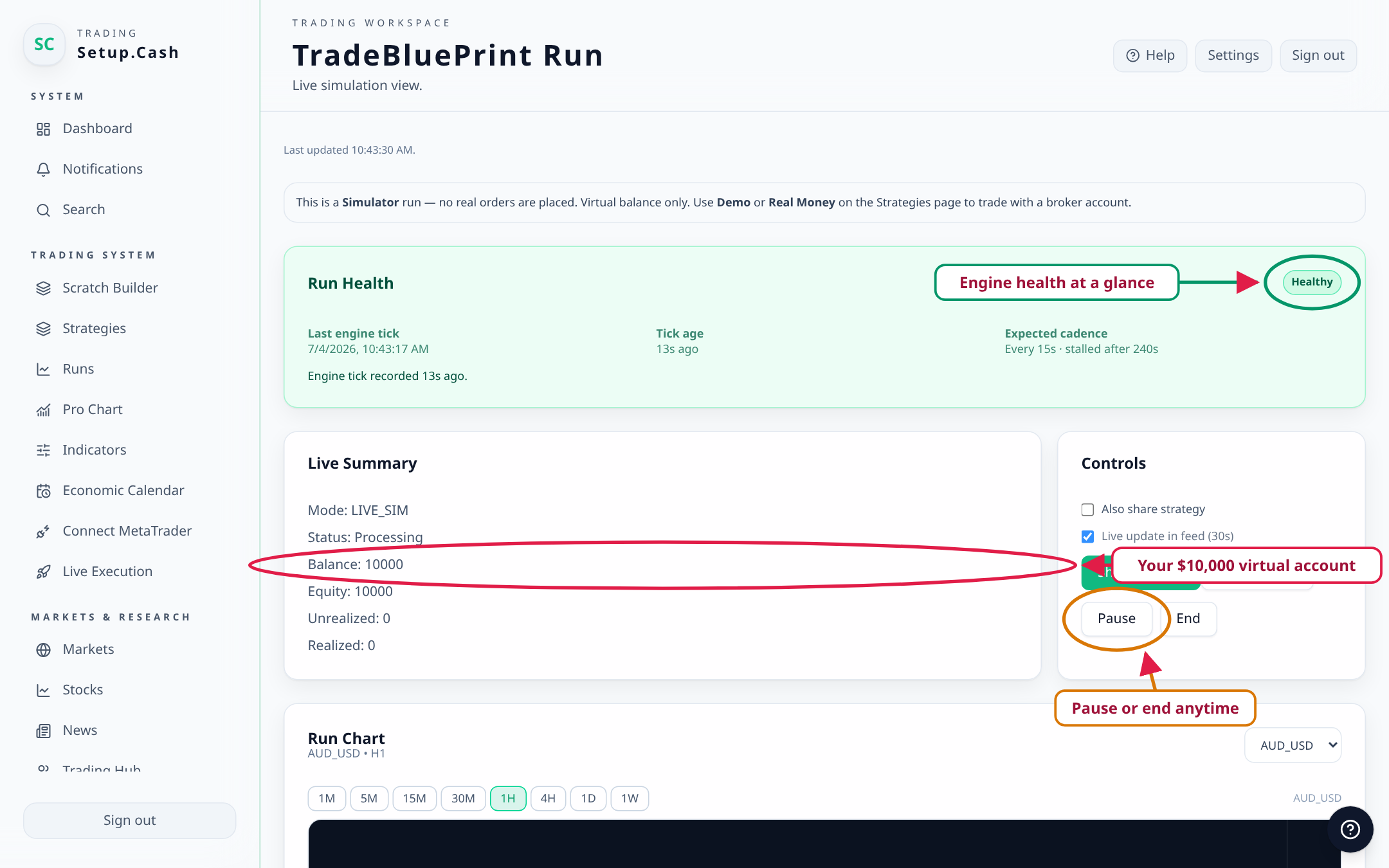
Paper trade the blueprint before moving to live execution with guardrails.
Features for Build trading bot
- No-code blueprint editor for strategy logic
- Backtesting workflow and performance review
- Paper trading for execution rehearsal
- Risk-first controls (position rules, TP/SL planning)
- Internal documentation and versioned strategy refinement
Use cases
In-depth guide
Blueprint first, execution second
Most strategy failures happen before execution because rules are unclear. Start by writing objective conditions for trend context, entry trigger, invalidation, and trade management before opening any position.
A practical trading bot build process should force consistency: same setup definition, same risk-per-trade, and same stop behavior for every run. That consistency lets you measure whether changes improve expectancy or just add noise.
If a rule cannot be tested or reviewed after the fact, it should not be in a production bot. Use your blueprint as an audit trail, not only a trigger engine.
Validation standards before live capital
Require backtesting across multiple periods, then run paper trading to confirm execution behavior in live market conditions. Backtest-only confidence is rarely enough for deployment.
Track drawdown clusters, losing streak tolerance, and average time-in-trade. A strategy can look profitable while still being operationally too unstable for your risk profile.
Only move to live mode when your process remains stable under volatility, slippage, and event-driven session changes.
FAQ
What does "build trading bot" mean on Setup.Cash?
It means using a visual workflow to define entries, exits, filters, and risk management rules, test the setup, and run it with documented risk controls. The platform is a builder and research workflow, not a guarantee of performance.
Do I need coding skills to use the builder?
No. You can create rule-based blueprints in a no-code interface. Optional advanced logic and indicators can be layered in gradually as your process matures.
Can I backtest before using real money?
Yes. A core workflow is strategy definition, backtesting, and paper trading before any live execution. This helps identify rule issues and reduce avoidable mistakes.
Does Setup.Cash support forex, crypto, and stocks?
The platform is designed for strategy building workflows across forex, crypto, and stock-market use cases. Market availability depends on your data, broker, and execution setup.
Is this financial advice or a profit guarantee?
No. Setup.Cash provides software tools for strategy design, testing, and operational discipline. Trading involves risk, and outcomes depend on market behavior and user decisions.
What should I measure after building a strategy?
Track win/loss distribution, expectancy, drawdown, trade frequency, average hold time, and whether the strategy behavior matches the original blueprint assumptions.
Start here
Build your trading bot workflow with structure
Use Setup.Cash to create, backtest, and paper trade rule-based strategies without relying on guesswork. Not financial advice. Trading involves risk.
Disclaimer
Not financial advice. Trading involves risk. Use backtesting and paper trading to validate assumptions before considering live execution.